Write together.
Edit together in real time, share workspaces, and manage access across your team.
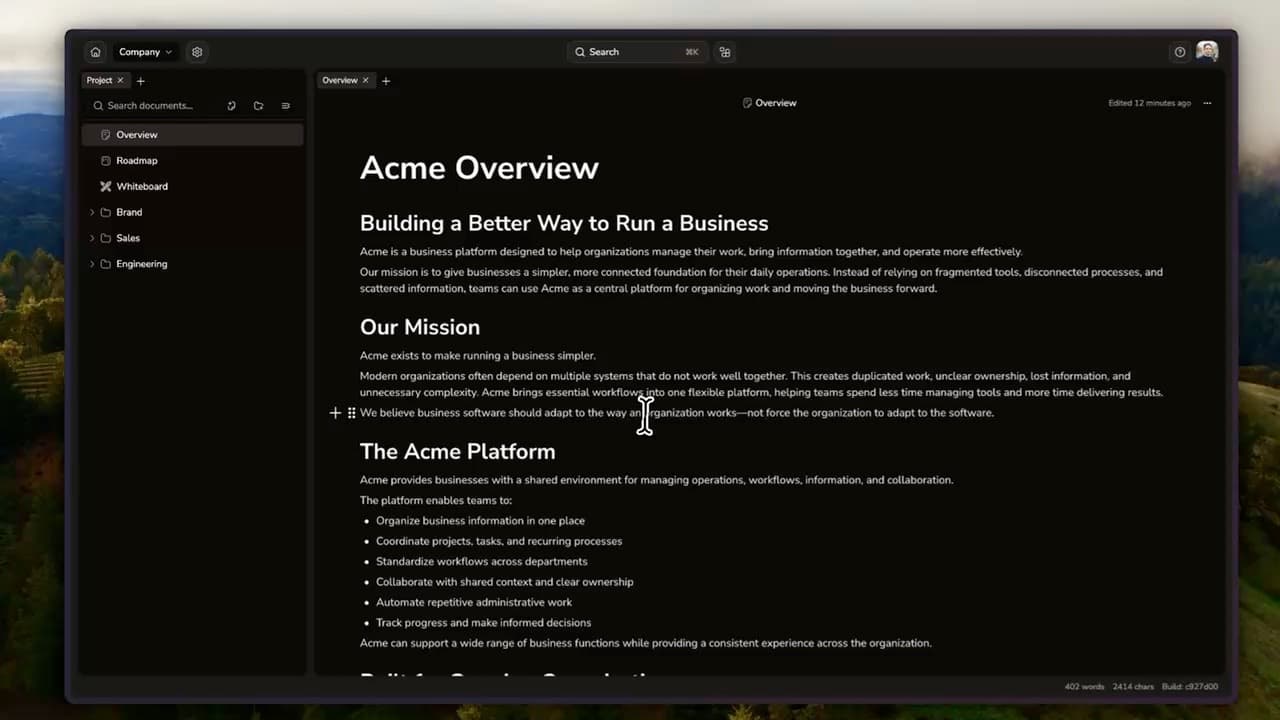
Your team’s notes and tools, together in one workspace.
Edit together in real time, share workspaces, and manage access across your team.
Keep writing without a connection. Sync when you're back online—if you choose.
Install community tools or build private extensions for your team's exact workflow.
Give every teammate the right access, with controls that grow with your organization.
Keep working without a connection. Choose local-only storage, sync with Lunaris Cloud, or host Community Edition on your own server.
Yes. Free includes up to 3 members, 25 resources, unlimited workspaces, cloud sync, and 250 MB of storage per organization. No payment details required.
Yes. Keep working in your workspace without a connection. Synced work catches up when you’re back online. You can also keep work local to your device.
Boards, whiteboards, spreadsheets, and other tools can live alongside your notes. Choose community extensions or build private tools for your team’s workflow.
Of course. Keep your personal notes, ideas, and writing in your own workspace. Invite others when you want to share the work.
Start with a note. Build a shared home for what comes next.